

Description
Download Paranormal Ghost Detector APK – ghost hunting, paranormal entities, supernatural detection
Overview
Paranormal Ghost Detector is a free mobile application developed by SnowPack Studios, designed for users interested in ghost hunting and paranormal exploration. The app functions as an entertainment tool intended to simulate ghost detection through a simplified interface. Its primary purpose is to allow users to activate a ghost radar with a single tap, supposedly detecting supernatural entities in proximity. The app also includes a built-in guide that outlines various types of paranormal beings, such as historical ghosts, poltergeists, and elementals, providing basic information for those curious about the supernatural world. While marketed as a tool for ghost hunters, it is not intended for serious paranormal investigation and should be used for recreational purposes only. The developer did not provide additional details about the technical foundation or data sources behind the detection mechanism. Real-world usage scenarios include casual exploration during haunted location visits or simply engaging with paranormal themes for fun. The app’s design emphasizes a witchy aesthetic, aligning with its supernatural theme. However, its functionality is limited by technical instability, which significantly impacts usability.
Key Features & Capabilities
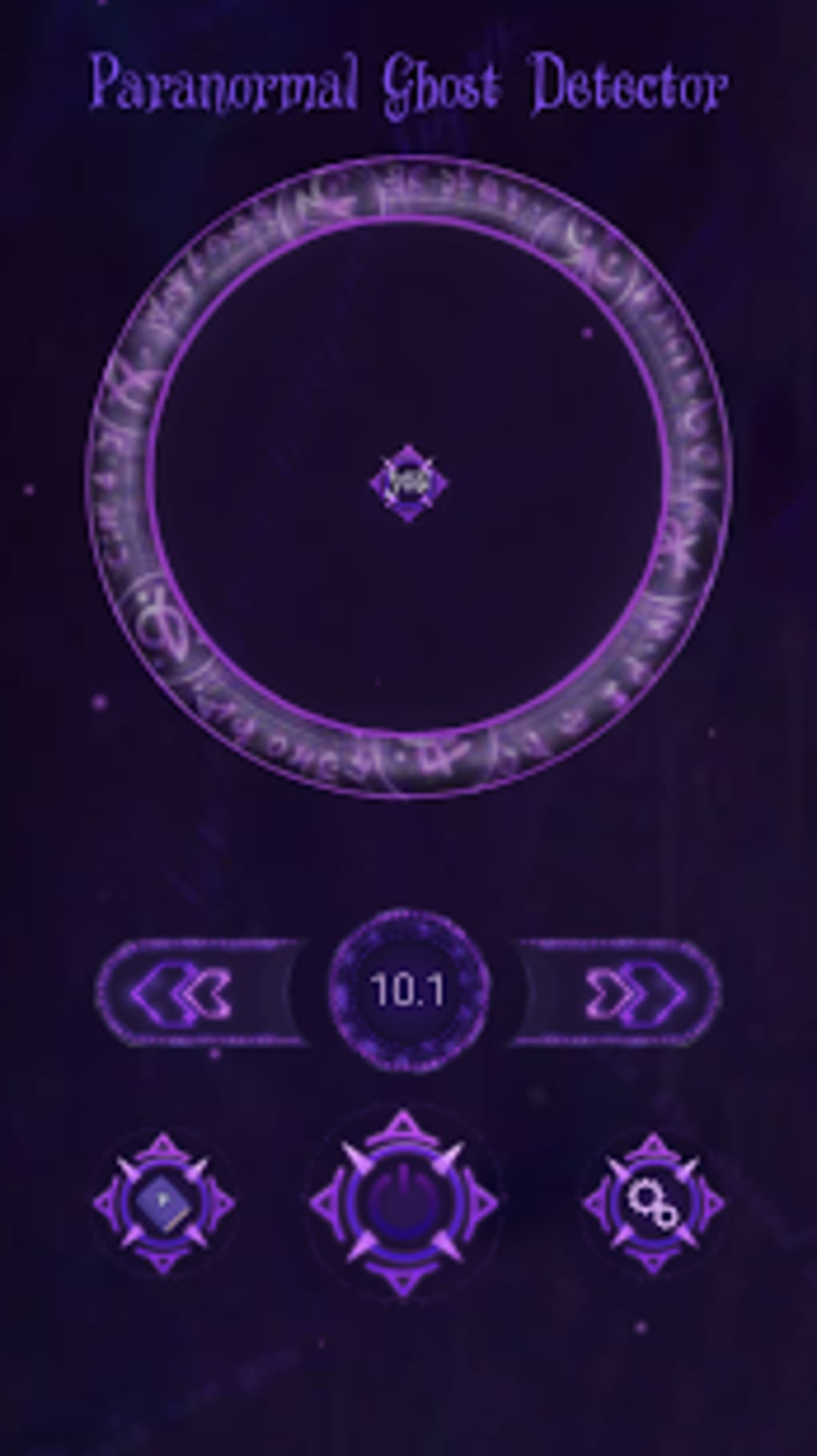
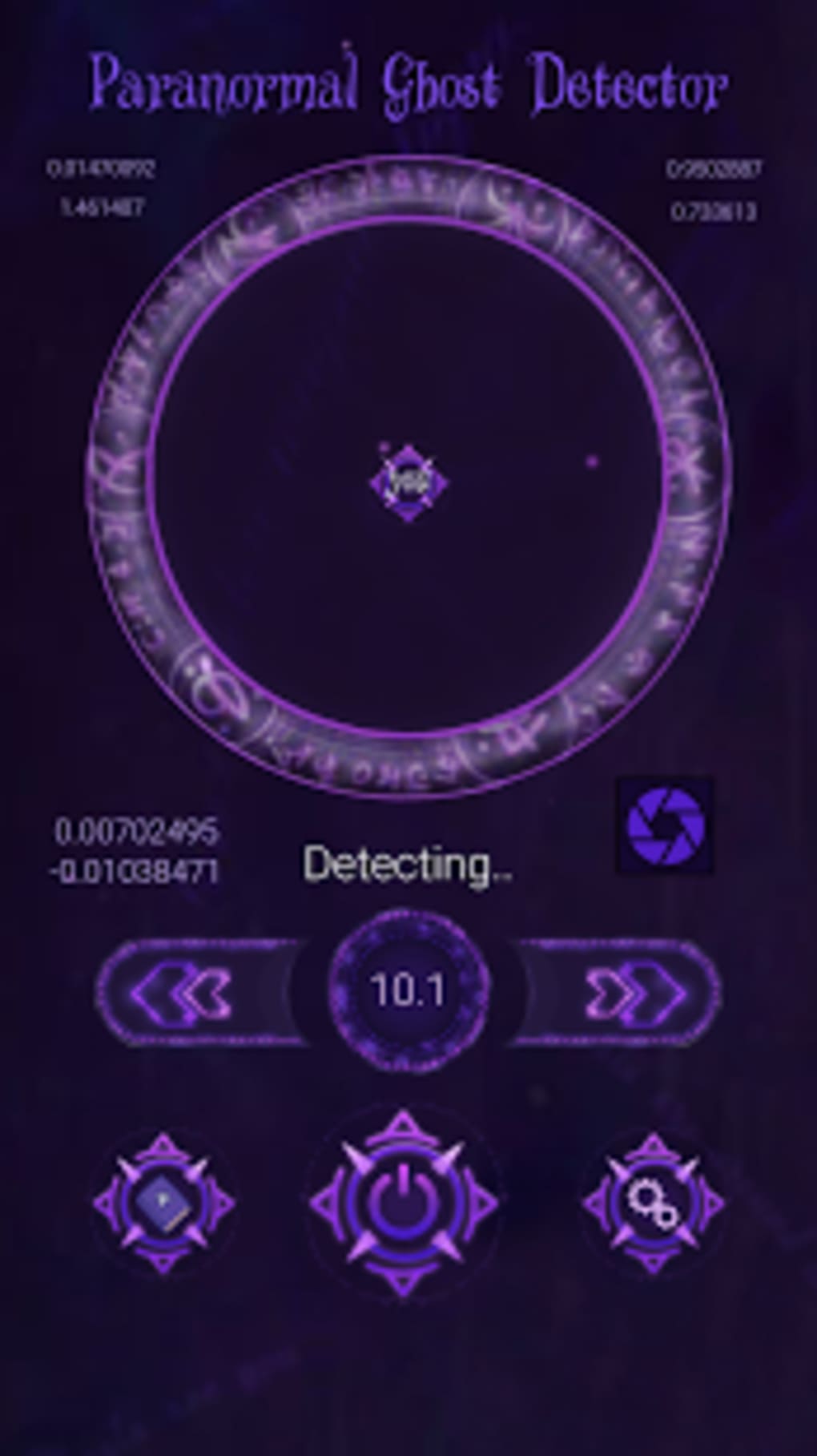
- Ghost Radar Activation – Users can initiate a ghost detection scan by tapping a central power button. The radar is designed to respond to supernatural presence, though no technical explanation is provided for how detection is performed.
- Paranormal Entity Guide – Accessible via a book icon, the guide offers information on different types of supernatural entities, including historical ghosts, poltergeists, and elementals. The content is structured as a reference for users interested in paranormal lore.
- Settings Customization – A gear icon on the right side of the screen allows users to disable sound effects and toggle the display of user location on the radar, offering minor personalization options.
- Entertainment-First Design – The app’s interface features a witchy visual theme, enhancing immersion for users seeking a thematic experience rather than technical accuracy.
- Pro Version Access – A “Purchase PRO Version” option appears at the top of the screen, though it currently redirects to an error page, indicating potential issues with the in-app purchase system.
These features are best used in a recreational context, such as enhancing the atmosphere during themed events or exploring paranormal topics in a lighthearted manner. The ghost radar and guide are the core functionalities, but their reliability is compromised by the app’s instability. The lack of real-time data processing or sensor integration suggests the detection mechanism is symbolic rather than functional.
User Interface, Workflow & Performance
The app’s user interface is designed with a witchy, mystical aesthetic, featuring dark tones and occult-inspired graphics that align with its paranormal theme. Navigation is straightforward: the central power button activates the ghost radar, the book icon opens the guide, and the gear icon provides access to basic settings. The workflow is simple and intuitive, allowing users to switch between features with minimal effort. However, performance is severely impacted by frequent crashes and screen freezes. The app often becomes unresponsive, particularly when accessing the guide, requiring users to force close the application to regain control. The developer did not specify resource usage details, so CPU and RAM behavior remain unknown. Performance observations are based on general software behavior patterns, and no benchmark data was provided. Stability issues persist even after reinstallation, suggesting a deeper underlying problem. While the interface design enhances thematic engagement, the technical flaws undermine usability. Users may find the experience frustrating despite the app’s visual appeal and simple functionality.
Compatibility & System Requirements
Paranormal Ghost Detector is available as an APK file, indicating it is designed for Android devices. The app supports Android operating systems, though the specific version range is not listed. Installation size is not specified, nor are hardware requirements. The developer did not provide exact system requirements. Compatibility information was partially provided. Users should ensure their device meets general Android compatibility standards to install and run the app. For optimal performance, devices with sufficient processing power and memory are recommended, though no official guidance was issued. The app’s reliance on internet connectivity for detection functionality suggests network access is required, but the extent of this dependency is unclear. Without further details, users are advised to test the app on their device to confirm functionality.
Pros and Cons
Pros
- Simple, intuitive interface with a thematic witchy design
- Includes a reference guide on various paranormal entities
- Free to download and use with no upfront cost
- Basic customization options via settings menu
- Entertainment-focused functionality for ghost hunting enthusiasts
Cons
- Frequent crashes during normal usage
- Screen freezes, especially when viewing the guide
- Pro version purchase link redirects to an error page
- Instability persists even after reinstallation
- Limited functionality with no real detection mechanism
FAQ Section
Is Paranormal Ghost Detector compatible with my Android device?
The app is distributed as an APK, indicating it is intended for Android devices. However, the specific OS version requirements were not provided. Users should ensure their device supports APK installations and meets general Android compatibility standards.
Is the app safe to download and use?
As a free APK, the app should be downloaded from trusted sources to avoid potential security risks. The developer, SnowPack Studios, is listed, but no third-party verification was provided. Users should exercise caution and scan the APK file with a trusted antivirus tool before installation.
Can I use Paranormal Ghost Detector offline?
The app’s detection feature is said to work best when connected to the internet, suggesting that online connectivity is required for full functionality. Offline use may be limited, especially for radar activation and guide access.
Does the app require a license or subscription?
Paranormal Ghost Detector is free to download and use. However, the in-app purchase option for a Pro version is currently non-functional, redirecting to an error page. No subscription model or licensing details were provided.
How often does the app receive updates?
Update frequency was not specified. Users are advised to check the developer’s official page or trusted APK repositories for the latest version. No automatic update mechanism was described.
Final Thoughts
Paranormal Ghost Detector offers a thematic experience for users interested in ghost hunting and paranormal lore. Its witchy interface and inclusion of a guide on supernatural entities provide entertainment value for fans of the genre. However, its usability is severely hampered by frequent crashes and screen freezes, which render the app unreliable for consistent use. The Pro version purchase option is non-functional, adding to the frustration. While the app is free and easy to install, its technical instability makes it unsuitable for serious or repeated use. For those seeking a more stable and feature-rich experience, alternatives such as Ghost Detector Pro and Ghost Camera (Ghost Detector / Spirit Detector) may offer better performance. If you're looking for a casual, themed app for fun and curiosity, Paranormal Ghost Detector may still appeal—but be prepared for technical issues. Download Paranormal Ghost Detector now and explore the supernatural world on your own terms.
Guides & Tutorials for Paranormal Ghost Detector APK
How to install Paranormal Ghost Detector APK
- Click the Preview / Download button above.
- Once redirected, accept the terms and click Install.
- Wait for the Paranormal Ghost Detector APK download to finish on your device.
How to use Paranormal Ghost Detector APK
This software is primarily used for its core features described above. Open the app after installation to explore its capabilities.
User Reviews for Paranormal Ghost Detector APK 0
No reviews found





